That old laptop in the closet, the hard drives from your last computer upgrade, the phone in the junk drawer: each one may still hold years of tax returns, passwords, photos and customer records. Deleting the files didn't remove them.
What "delete" really does
When you delete a file or empty the trash, the computer usually just marks that space as free. The data stays on the drive until something new happens to be written over it. Free recovery software can often bring it back.
A quick format works much the same way. The drive looks empty, but most of the old data is still there.
Why wiping is harder than it sounds
Software that writes over the whole drive does a much better job, but it has limits:
- Solid-state drives (SSDs) and flash drives spread data around and keep spare areas the computer can't reach. Federal guidance from NIST notes that overwriting "may not reliably overwrite all areas" on these devices.
- It only works if it finishes. A wipe that stops partway, skips a drive, or is run on the wrong disk leaves data behind, and it's hard to check.
- It needs the device to work. A dead drive or a broken phone can't be wiped, but its data can still be read in a lab.
Modern phones and many newer drives encrypt their data, and a proper factory reset or secure erase can make it unreadable. The catch is knowing it was done correctly on every single device.
Physical destruction takes away the guesswork
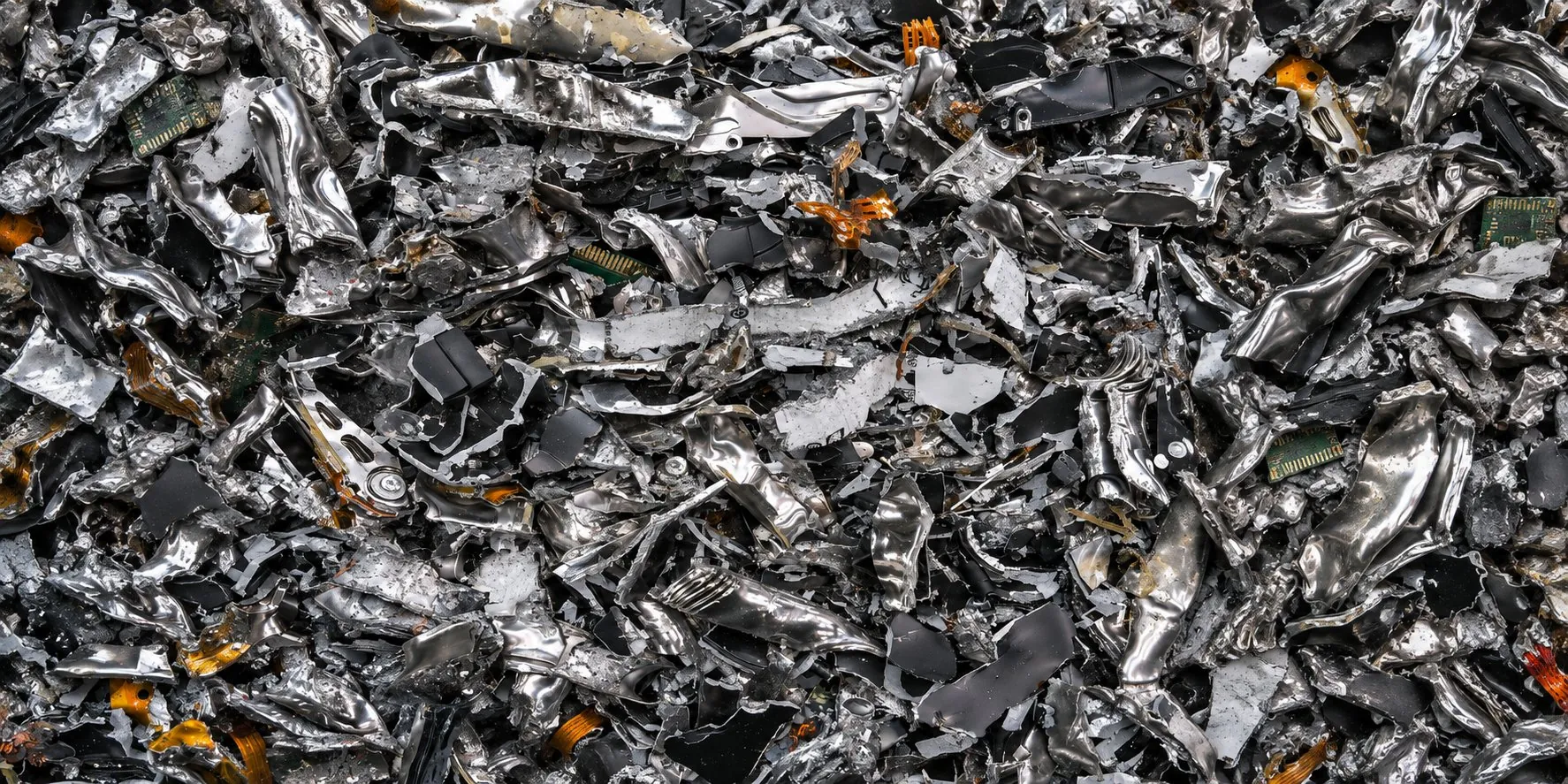
When we shred a hard drive, SSD, phone or tape, it's physically torn apart and can never be used to store data again. You don't have to wonder whether a wipe worked. You see it happen.
For businesses with highly sensitive or regulated data, the safest approach is both: erase the device first, then have it shredded. Federal guidance now treats a proper erase as the key step for the most sensitive data, and shredding makes sure the device is gone for good.
What we destroy
- Hard drives and solid-state drives (SSDs)
- USB and flash drives, CDs and DVDs
- Backup tapes, VHS and cassette tapes
- Phones and tablets, with the battery removed first
We can shred on-site with our truck, so the devices never leave your sight, or at our scheduled drop-off days near Appleton. Every job ends with a Certificate of Destruction for your records, and the remains are responsibly recycled.
Before you hand over a device
- Back up anything you want to keep.
- Sign out of your accounts (Apple ID, Google, Microsoft) so the device isn't tied to you.
- Remove the battery from phones and tablets.
- For business devices, write down serial or asset numbers if your records need them, or we can scan the serial numbers for you!
See hard drive and media destruction or call (920) 454-0261 for a free estimate.
Sources: NIST: Guidelines for Media Sanitization bulletin and NIST SP 800-88 Revision 2 FAQ